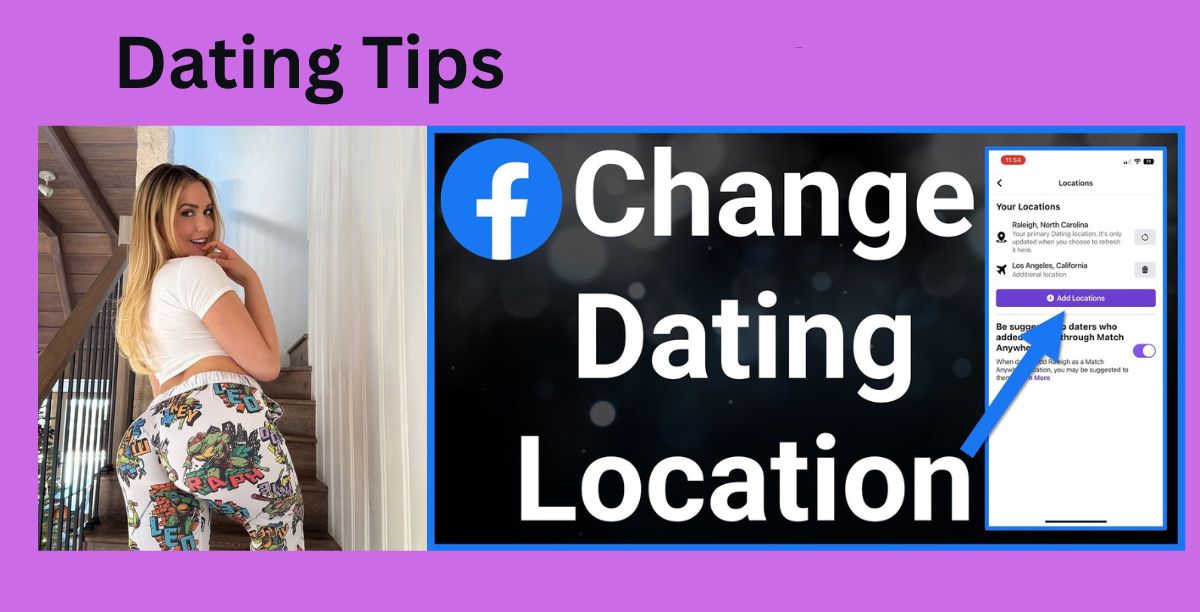
Facebook Dating helps you connect with individuals in your area by matching you with people primarily based on where you are right now. What happens, though, if you move, travel frequently, or just want to look into dating prospects in a different city? This is why it’s crucial to adjust your Facebook Dating location.
Facebook Dating closely links your dating location to your Facebook app location settings and device data, in contrast to some dating applications that allow you to manually enter a new city at any time. What’s good? It can be updated; all you have to do is do it correctly.
This tutorial explains how Facebook Dating location functions, how to modify it, and what to do if it refuses to update.
First: How Facebook Dating Location Actually Works
Before changing anything, it helps to understand this:
Facebook Dating uses:
-
Your device’s GPS/location services
-
Your Facebook app location permissions
-
Your current physical location
-
Sometimes your profile details (city)
So if your phone says you’re in Lagos, Facebook Dating will show Lagos matches — even if your profile says Abuja.
Method 1: Change Location by Updating Your Device Location (Main Way)
This is the most effective and official way.
Step 1: Turn On Location Services
Facebook Dating needs location access to update.
On Android
-
Go to Settings
-
Tap Location
-
Turn Location ON
-
Select App location permissions
-
Find Facebook
-
Set to “Allow all the time” or “Allow while using app”
On iPhone
-
Open Settings
-
Tap Privacy & Security
-
Tap Location Services
-
Find Facebook
-
Choose “While Using the App” or “Always”
Step 2: Go to the New Location Physically
Facebook Dating updates best when:
-
You are physically present in the new city
-
Your phone GPS detects the change
Open Facebook while in the new area and use the app for a few minutes.
Step 3: Open Facebook Dating
-
Open the Facebook app
-
Tap the Menu (☰)
-
Tap Dating
Your match suggestions should start shifting toward your current area.
Method 2: Update Your Facebook Profile City
This doesn’t always change Dating instantly, but it helps.
-
Go to your Facebook profile
-
Tap Edit Profile
-
Scroll to Details
-
Tap Edit Your About Info
-
Update Current City
-
Save changes
This supports the location update, especially over time.
Method 3: Refresh Your Dating Preferences
After moving:
-
Open Facebook Dating
-
Tap the gear icon (Settings)
-
Go to Dating Preferences
-
Adjust:
-
Distance range
-
Age range
-
-
Save
Widening the distance temporarily can help pull in matches from the new location faster.
Method 4: Restart the App (Important)
After changing settings:
-
Close Facebook completely
-
Turn off your phone’s Location for 10 seconds
-
Turn it back on
-
Reopen Facebook Dating
This forces the app to re-check your location.
Can You Manually Type a New Location?
No, Facebook Dating does NOT have a manual location search tool like Tinder Passport.
Your location is based on:
Device GPS
App permissions
Your physical presence
How Long Does It Take to Update?
It can take:
-
A few minutes
-
A few hours
-
Up to 24 hours in some cases
Using the app actively in the new area speeds things up.
What If Facebook Dating Location Won’t Change?
Try these fixes:
Fix 1: Clear Facebook App Cache (Android)
Settings → Apps → Facebook → Storage → Clear Cache
Fix 2: Update the Facebook App
Old versions can freeze location updates.
Fix 3: Log Out and Log Back In
Fix 4: Reinstall Facebook
Fix 5: Check Internet Connection
Poor connection can delay location refresh.
Important Things to Know
-
Facebook may limit frequent location jumps
-
Using fake GPS apps can cause account issues
-
Your matches depend heavily on real-time location
Best Practice Tip
If you’re relocating:
Spend time using Facebook Dating in the new area
Like profiles
Update preferences
Be active
The algorithm adjusts faster when you’re active.
Conclusion
It’s not necessary to type a new city to change your Facebook Dating location; instead, you must allow Facebook to determine your true location. Your matches will automatically change once your device location, app permissions, and profile details match.
Thus, the actual method is straightforward:
New matches in that city are equal to new location + active usage.