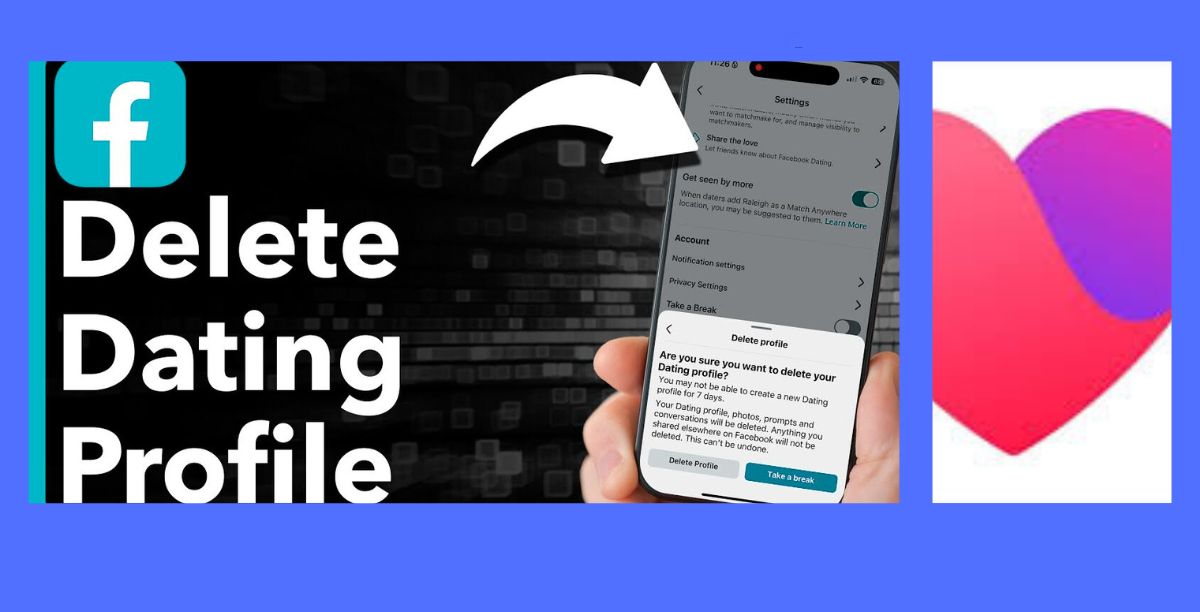
Methods for removing a Facebook dating profile
Online dating is supposed to be handy, but occasionally you want to take a vacation from it or you find someone wonderful and don’t need the platform any more. You’re not alone if you’ve been using Facebook Dating and are unsure about how to delete your profile. Many users decide to stop using the service for privacy-related concerns, digital detoxification, relationship changes, or just to start again when it comes to dating.
If you know where to search, it’s easy to delete your dating profile. The good news is that Facebook Dating is integrated right into the Facebook app. There is a crucial difference between deleting your Facebook Dating profile and deleting your entire Facebook account, though.
This guide walks you through all the methods available to remove, pause, or fully delete your Facebook Dating presence.
1 Delete Your Facebook Dating Profile (Permanent Removal)
This is the best option if you no longer want to use Facebook Dating at all.
Steps:
-
Open the Facebook App
Facebook Dating is only available on the mobile app (Android or iPhone), not desktop.
-
Tap the Menu Icon
Located at the top or bottom corner of the screen depending on your device.
-
Select “Dating”
Scroll until you find the heart icon labeled Dating.
-
Go to Settings
Tap the gear icon in the top-right corner of the Dating home screen.
-
Scroll to the Bottom
You’ll see the option “Delete Profile.”
-
Tap “Delete Profile”
Facebook will ask for a reason (optional).
-
Confirm Deletion
Your dating profile, matches, messages, and likes will be permanently removed.
What Happens After Deletion?
-
Your profile disappears from suggestions.
-
All conversations and matches are erased.
-
You can create a new profile later, but you’ll start from scratch.
2 Take a Break (Temporary Removal)
If you’re unsure about leaving permanently, this feature lets you pause your profile without losing data.
Steps:
-
Open Facebook Dating
-
Tap the gear icon (Settings)
-
Find “Take a Break”
-
Toggle it ON
What This Does:
-
Your profile becomes invisible.
-
You won’t get new matches.
-
Current conversations remain.
-
You can return anytime by toggling it OFF.
This is ideal for people who:
3 Remove Individual Profile Details
If you don’t want to delete everything, you can reduce visibility.
You can:
This doesn’t delete your profile but makes you less discoverable.
4 Delete Your Entire Facebook Account (Extreme Option)
Deleting your main Facebook account also removes Facebook Dating.
Before choosing this:
-
You’ll lose Messenger access
-
All Facebook photos and posts are deleted
-
This cannot be undone after the grace period
Steps:
-
Go to Facebook Settings
-
Tap Account Ownership and Control
-
Select Deactivation and Deletion
-
Choose Delete Account
Only use this if you want to leave Facebook entirely.
Common Questions
Will people know I deleted my dating profile?
No. Your matches won’t get a notification. Conversations simply disappear.
Can I recover deleted matches?
No. Once deleted, data cannot be restored.
Can I rejoin Facebook Dating later?
Yes, but you’ll create a new profile from scratch.
Conclusion
You have control over your online presence when you remove your Facebook Dating profile, which is easy to do. Facebook offers customizable alternatives to suit your requirements, whether you’re looking to take a short-term break or make a permanent departure. Whether you want privacy, peace of mind, or a new beginning, always pick the approach that will help you achieve your goals.
It’s wise to take control of your digital life.